The Account page provides user and permission management, including user account creation, account information updates, password changes, two-factor authentication (2FA), and account deletion.
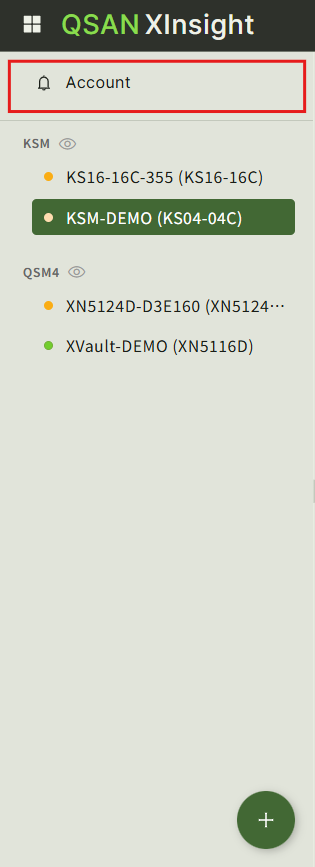
Go to Account at the top of the navigation panel on the left.
Create a User Account #
Click Create to open the Create User window and create a new user account.
Enable Two-Factor Authentication #
Select the account and click Enable 2FA to enable two-factor authentication.
2FA can be enabled only for the current account.
Tip: Before enabling 2FA, make sure that SNMP is properly configured.
Change a Password #
Select a user and click Change Password to change the password for the selected account.
Edit a User Account #
Select a user and click Edit to modify the account information, including the nickname, email address, description, profiles, and related capabilities.
Delete User Accounts #
Select one or more users and click Delete.
Review the confirmation message, and then confirm the deletion to remove the selected user accounts.


